Boards & folders
A board for every idea
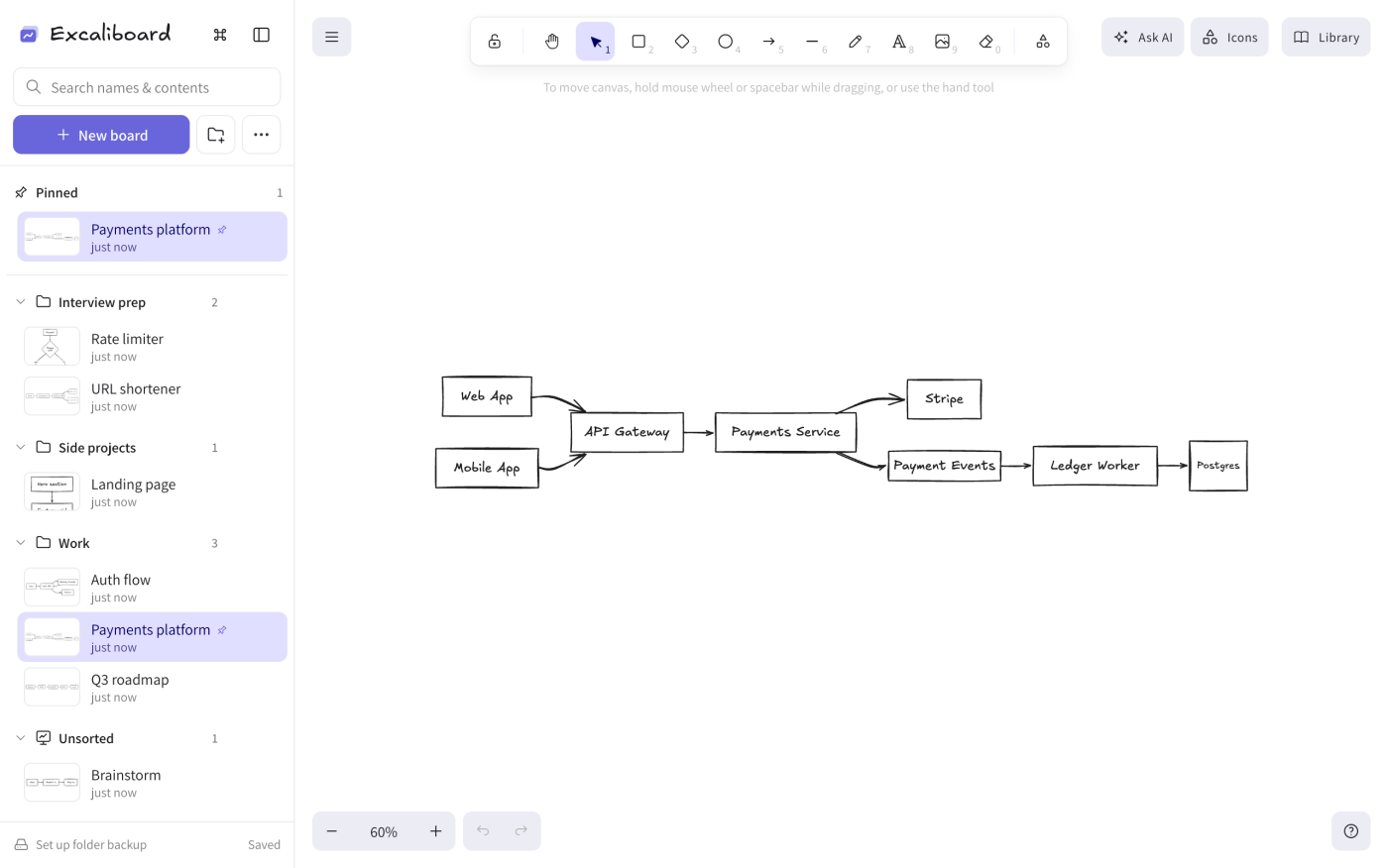
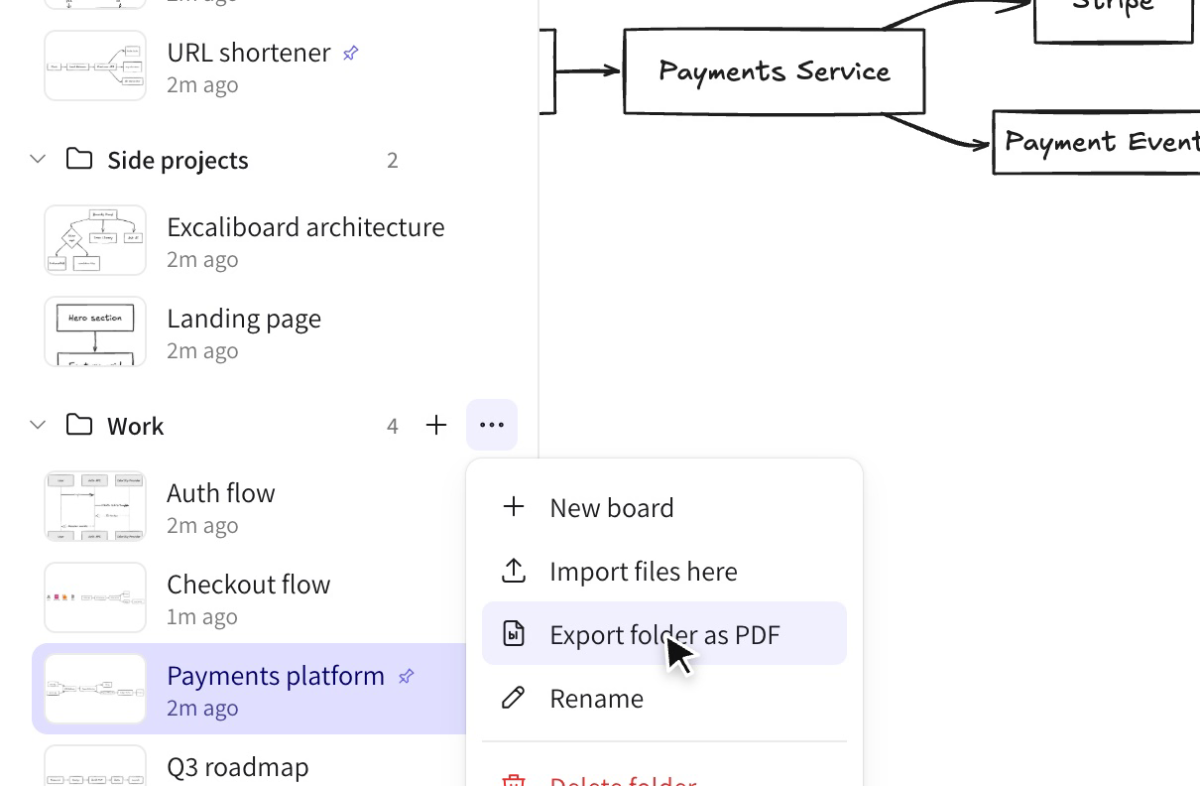
Make as many boards as you like and group them into folders. Drag them around, pin favorites to the top and spot each one by its live thumbnail.
 Excaliboard
Excaliboard gives the Excalidraw you love unlimited boards, folders, search inside every drawing, system-design icons and autosave. It all stays on your computer.
No account. No sign-up. Works offline.
 Excaliboard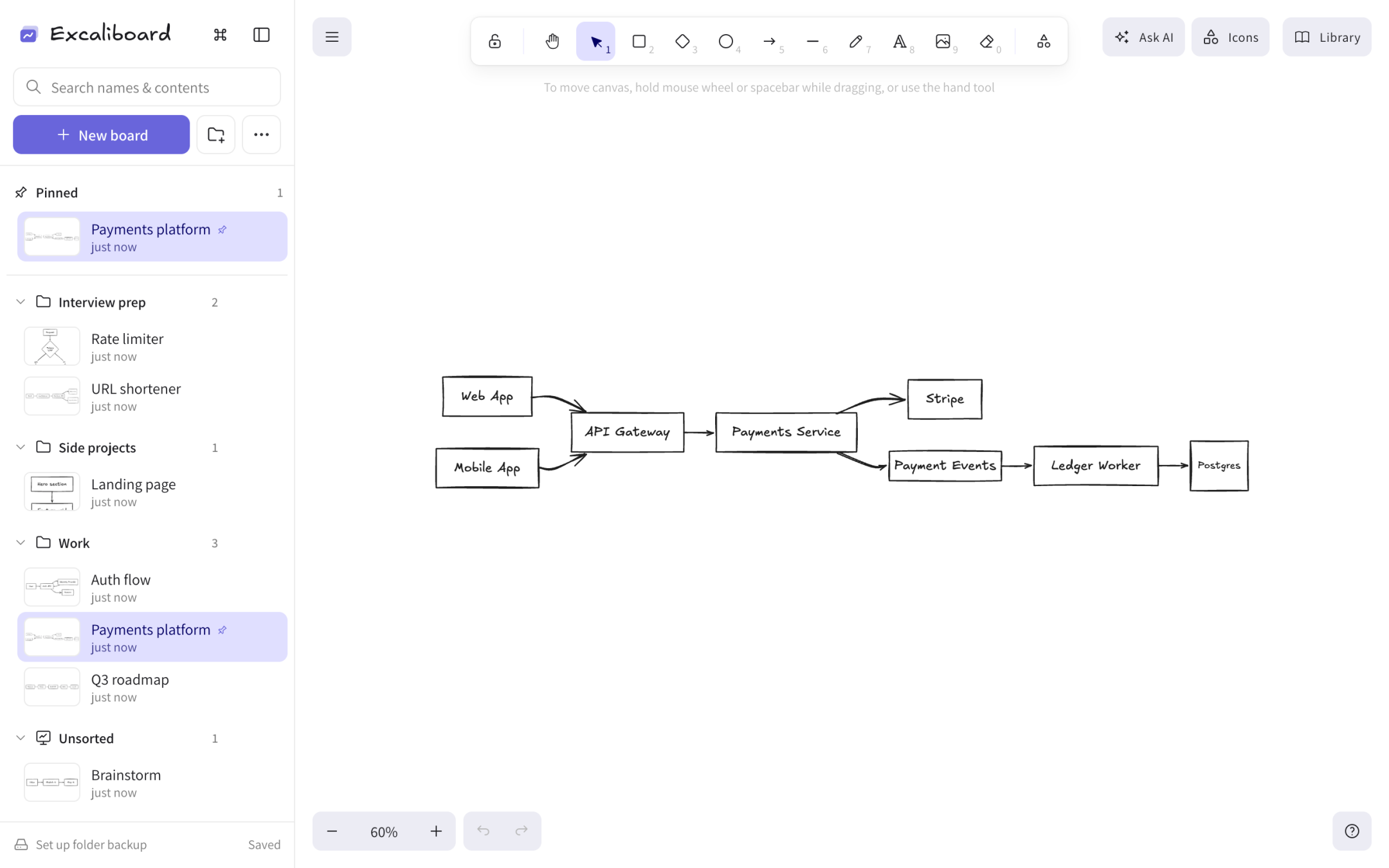
Music: “Shine” by Infraction
It's the real open-source Excalidraw editor, so drawing feels exactly the same. Everything else is new.
Make as many boards as you like and group them into folders. Drag them around, pin favorites to the top and spot each one by its live thumbnail.
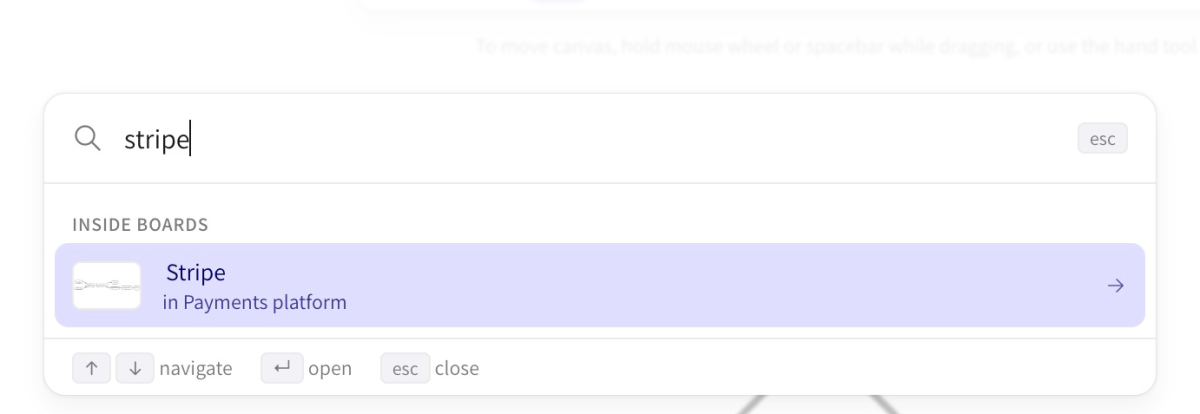
Search looks inside your drawings, not just their names. Press ⌘P (Ctrl+P) to jump anywhere from the keyboard.
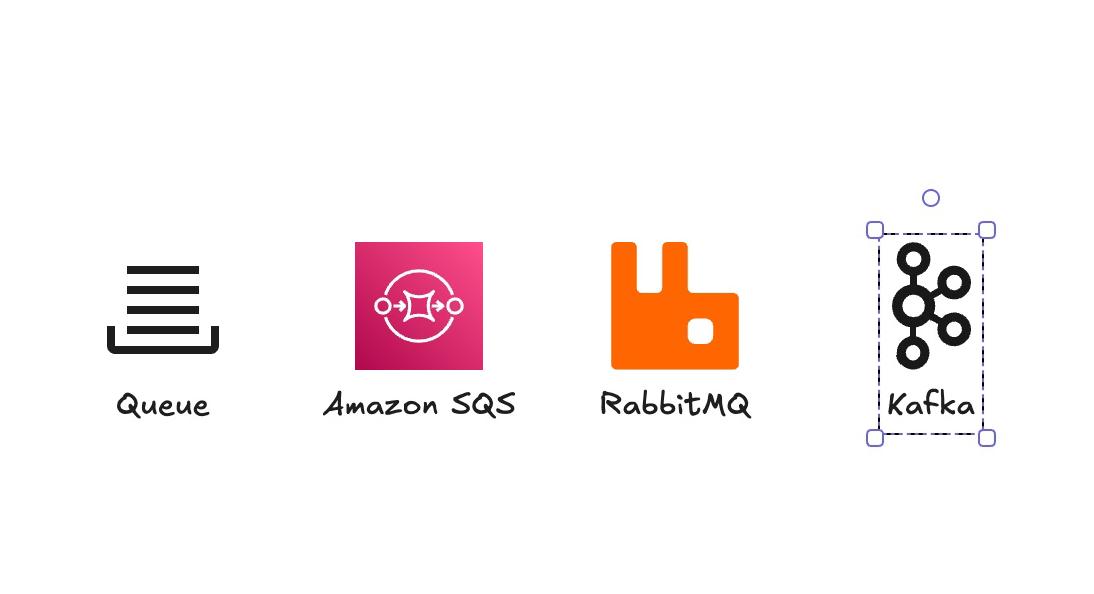
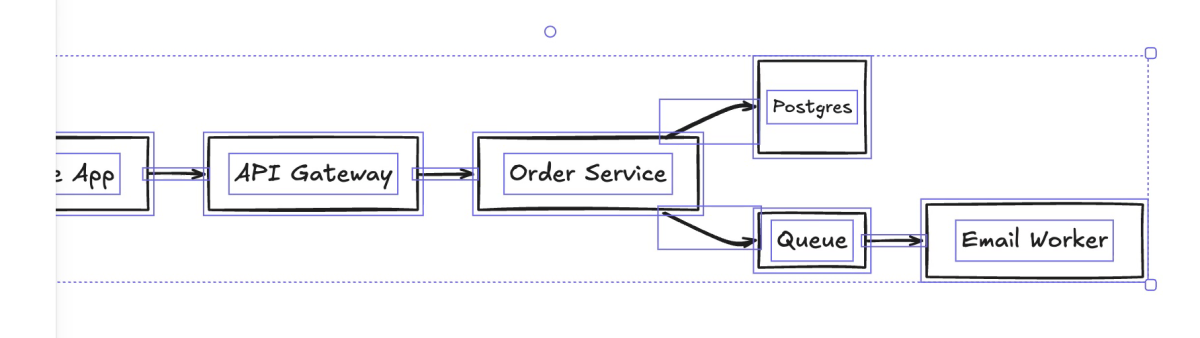
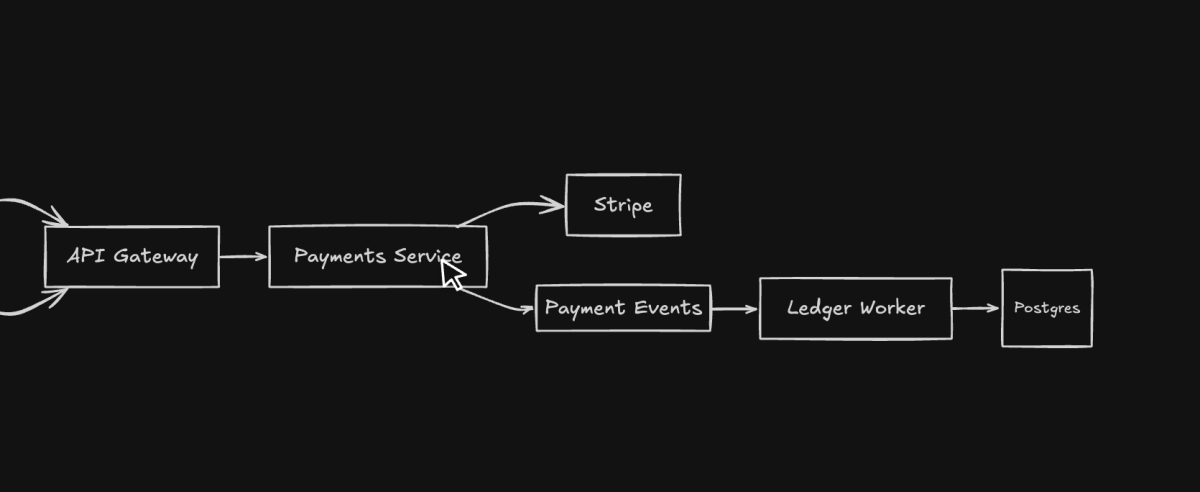
Type “queue” and get a generic icon plus the real services behind it. Click or drag, and it lands labeled.



Flowcharts become real Excalidraw shapes and arrows with a live preview, ready to keep refining.
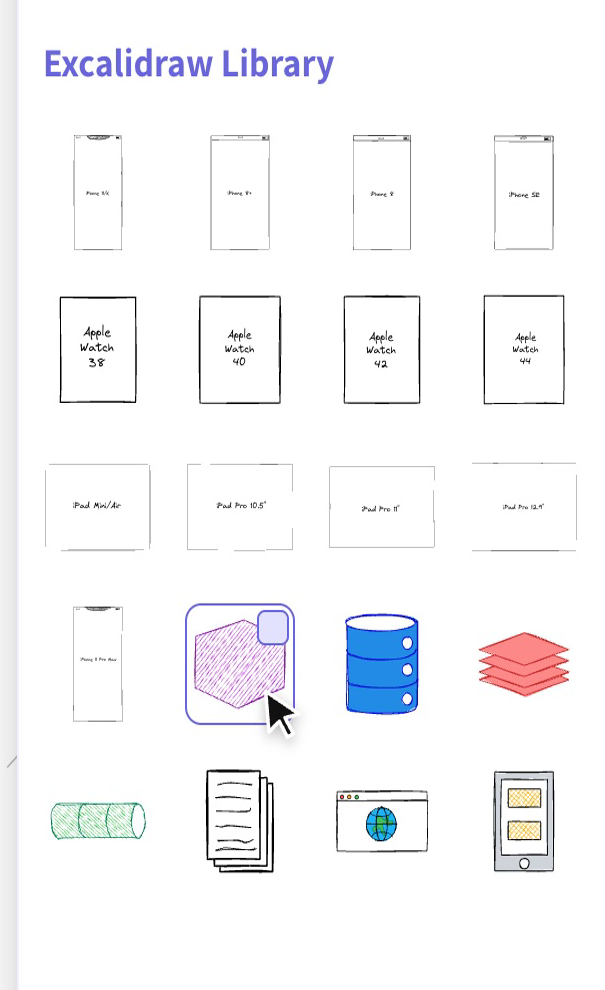
Add any library from libraries.excalidraw.com. It's shared across every board.
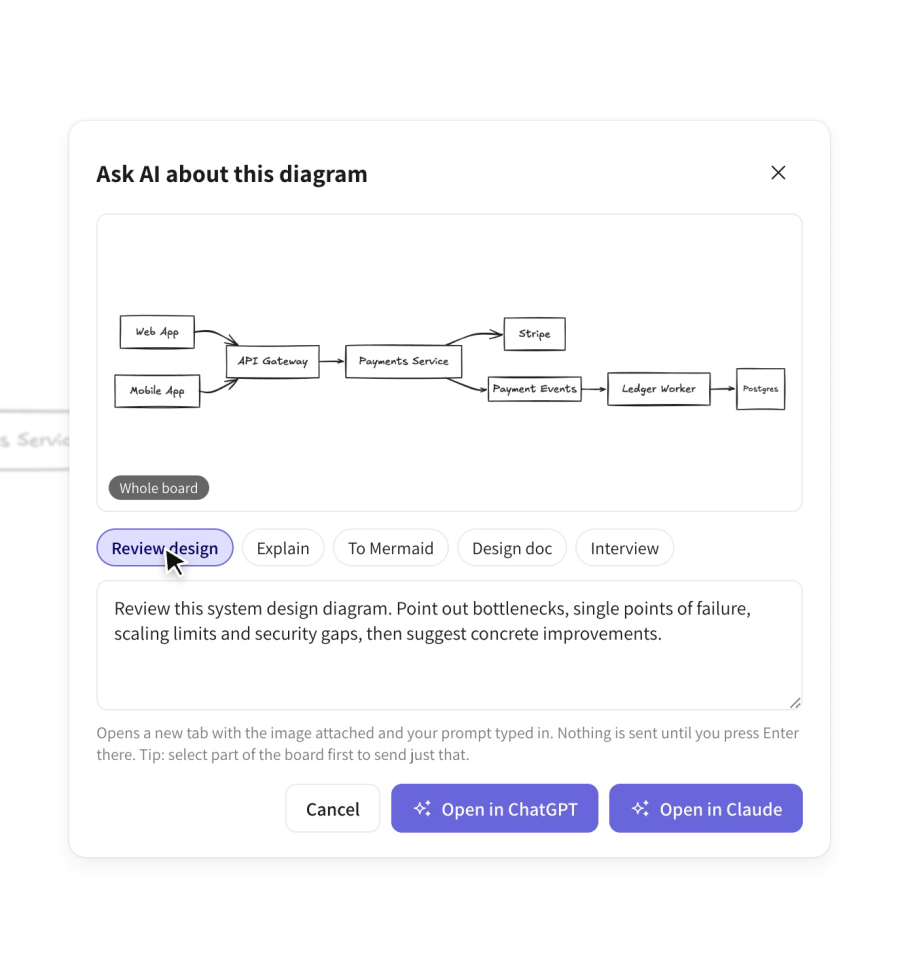
Send the board, or just your selection, with the question already typed. Nothing goes out until you press Enter.
Light or dark, the whole app follows along, sidebar included.
Install it free from the Chrome Web Store. No account to create.
Click the Excaliboard icon in your toolbar, or press Alt+Shift+E.
Import your excalidraw.com drawing or .excalidraw files in one click, then keep going.
Your boards live in your browser, or in a folder you choose. There is nothing for anyone else to see, including us.
Yes. No paid plan, no account, no ads. If it saves you time, you can buy me a coffee.
It is Excalidraw. Excaliboard runs the official open-source editor, so the tools, shortcuts and hand-drawn style are identical.
In your browser's local storage on your computer. You can also mirror them as .excalidraw files into a folder you pick, and export everything as a zip.
Yes. Only the optional extras use the internet: the larger online icon search, adding libraries, and Ask AI.
Yes. “Import from excalidraw.com” copies the drawing excalidraw.com saved in your browser into a new board. You can also import .excalidraw files.
No. Excaliboard is an independent project built on the open-source Excalidraw editor (MIT license). It isn't affiliated with or endorsed by Excalidraw, just very grateful to it.
Give every idea its own board.